
AI training for
business teams,
built on real work.
Four things you can do after training
Find the right AI use cases
Pick the tasks in your own week that are worth handing to AI, and skip the ones that are not.
Build repeatable workflows
Go from a one-off prompt to a workflow that runs the same way next week.
Verify AI output
Know which results can go straight out, which must be checked, and which should never be left to AI.
Apply AI to real work
Leave with a working workflow for a task you already do, not a demo of someone else’s.
Running a business with Claude — one real workflow at a time
A U.S. small business is currently using the 4-session program to apply Claude to day-to-day operations and website management. The training is built around the work the owner already does, not a fixed AI curriculum.
A full case study will be published only after the program is complete and results can be verified.

Built in front of real people. Now applied to real businesses.
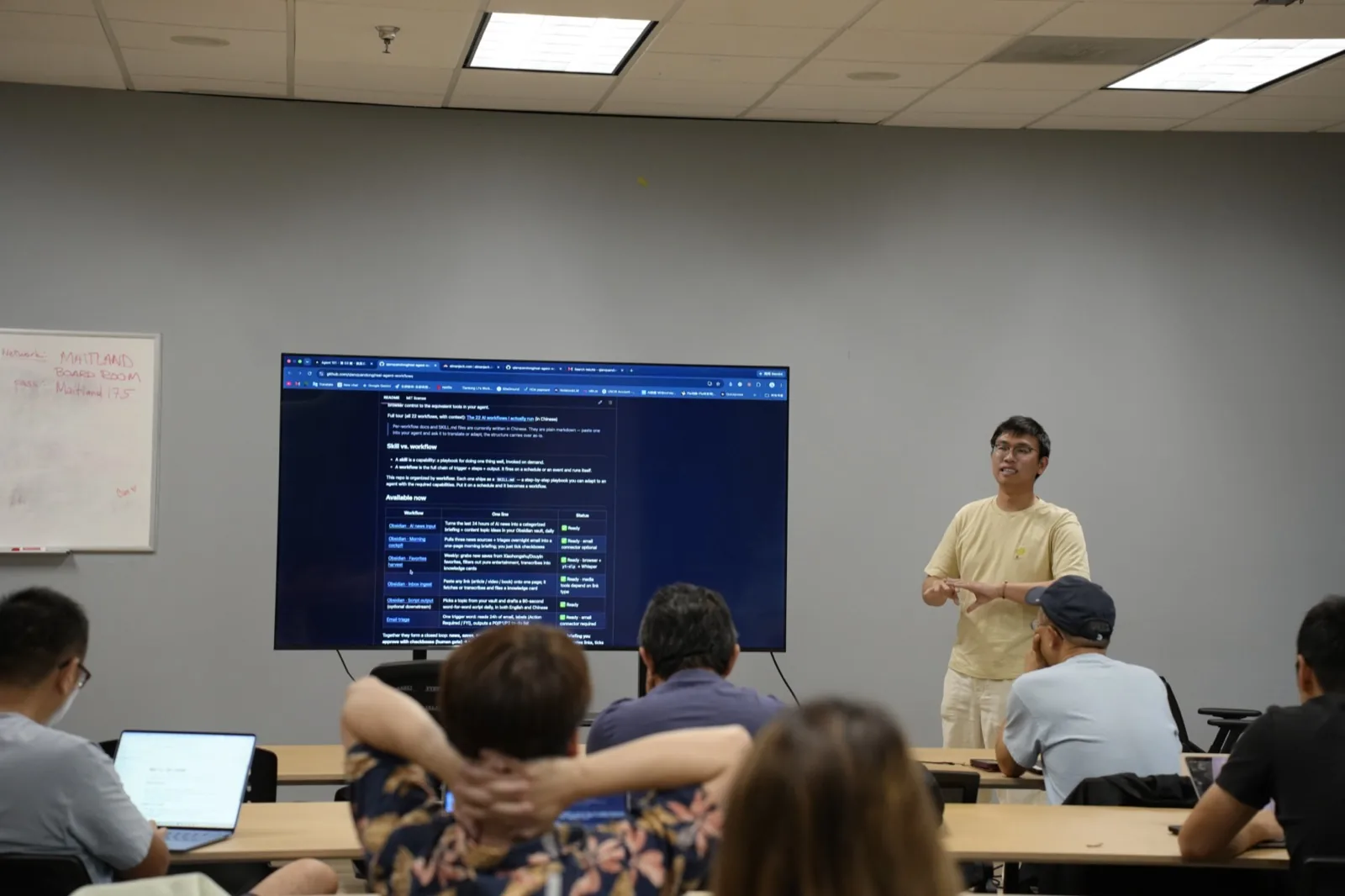
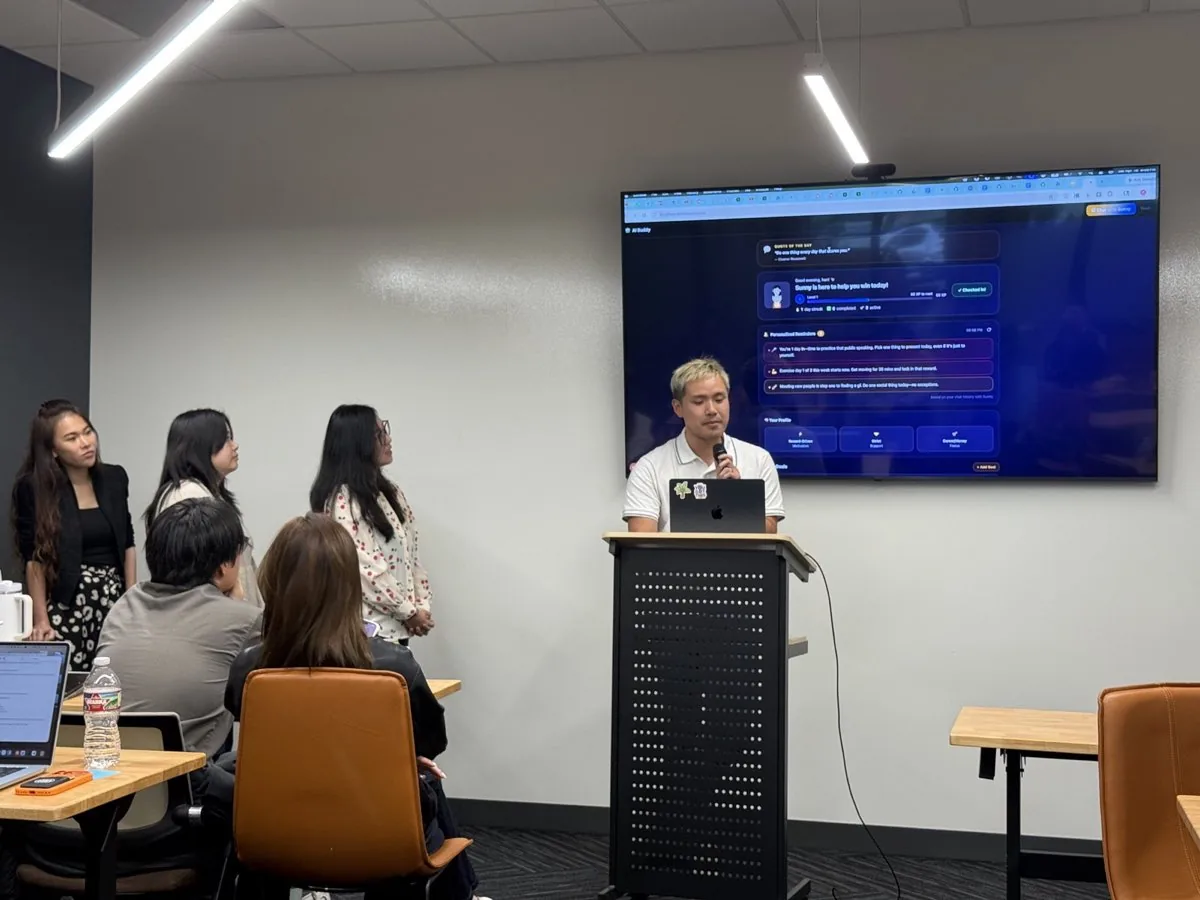
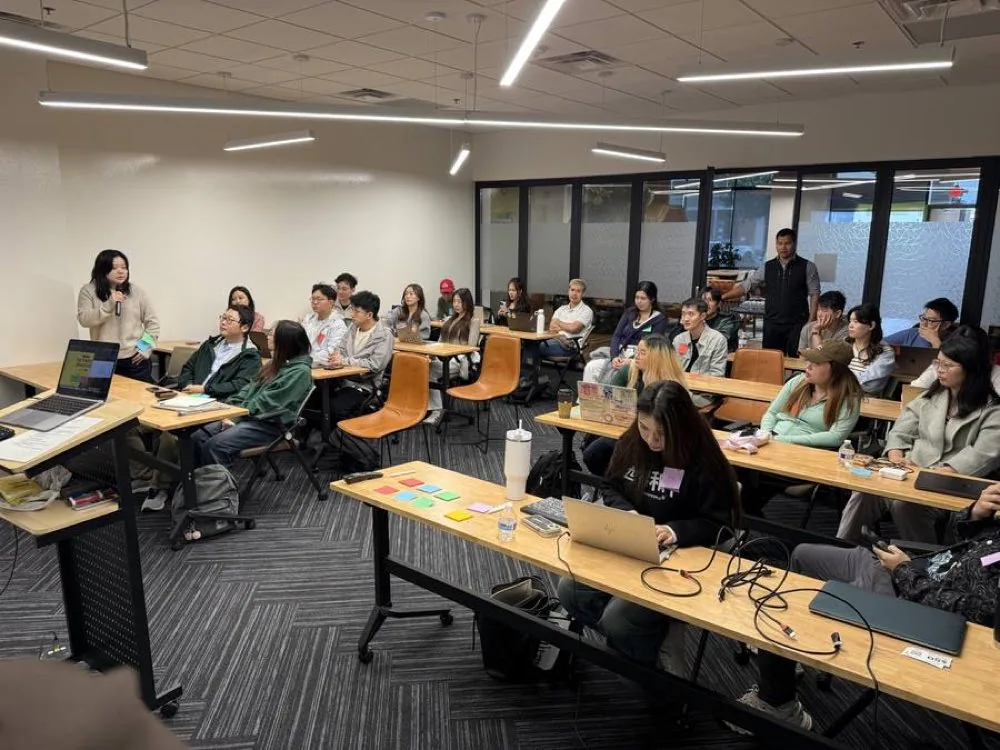
Five community talks in Dallas and Plano and a 37-person hackathon came first. The method that survived those rooms is the one you get: your real work, turned into AI workflows that run. Dates, venues and photos: corporate AI training in Dallas–Fort Worth.

What attendees say
“Jack is very professional. His professionalism comes not only from his knowledge of AI, but also from how he teaches us different workflows. What makes him stand out is that he uses real-life examples and teaches us how to use these tools in our day-to-day work.”
“I had such a great experience at this AI workshop. It was practical, inspiring, and genuinely fun. Jack, the host, did an amazing job of breaking down complex AI concepts in a way that was easy to understand…”
“This AI course was very informative and easy to follow. It covered the fundamentals of AI and its basic applications, making it especially suitable for beginners with little or no prior experience.”
Where does your team start?
AI for Sales
Use AI to research accounts, prepare meetings, write follow-ups and keep the pipeline honest.
02AI for Marketing
Research, create, repurpose and analyse content faster — without sounding like everyone else.
03AI for Operations
Turn repetitive knowledge work — notes, reports, procedures — into AI-assisted workflows people trust.
04AI for Leaders and Managers
Help teams adopt AI safely and productively: which tasks, which tools, who signs off, how to measure.
Run a small business? Explore AI training for owners & teams →
Pick a starting point
Every format is AI training on your team’s real work — not a custom ERP or CRM build.
90-minute workshop
One live session for one team: test one or two AI workflows on tasks people already do.
Scoped quoteSee the workshop →Full-day onsite (Texas)
A full day at your office: data safety, department use cases and guided labs on real work.
Scoped quote · travel outside Dallas–Fort Worth quoted separatelySee onsite training →4 × 90-min program
Four live sessions built around the work you already do, one workflow at a time.
Priced by quoteSee the program →The core program, built around your work
We work directly on the tasks you already do and build practical AI workflows around them. The curriculum changes with the business or team.
See the 4-Session ProgramTraining a team? Custom pricing available.- Four live 90-minute sessions
- Built around your actual work
- One workflow at a time
- Review what worked between sessions
- Human verification built into every workflow
- Remote anywhere in the U.S.
Get something useful in three minutes
AI Readiness Assessment
Measure how prepared your team is to adopt AI across eight areas, and get next steps for the weakest ones.
Start assessment →AI Use Case Discovery Worksheet
The four-question scoring sheet used to open every AI Man Jack session: list three weekly tasks, score them, pick the narrowest one that passes.
Open template →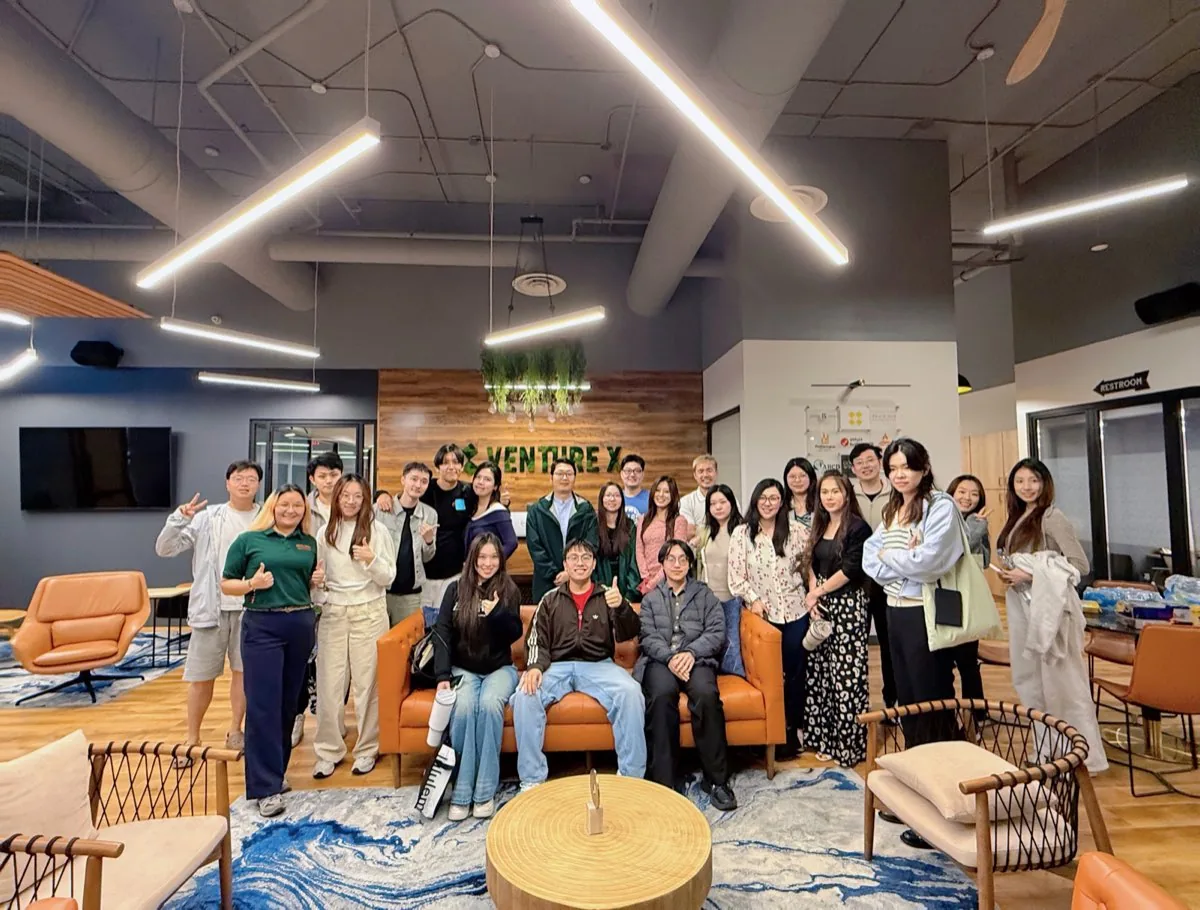
From first call to a workflow that survives
- Step 1
A short workflow call
Tell me what you or your team does every week, which tools you already use, and where work keeps repeating.
- Step 2
A recommended training plan
Who should attend, which workflows to start with, and a written price, sent by email.
- Step 3
Four live sessions on real work
We build and improve workflows using work you actually do, not canned demos.
- Step 4
Use it, then keep, change or stop
Each session starts with what worked, what broke and what should change. Keep the workflows that are accurate and useful; change or stop the rest.
What your company can count on
Your approved tools
Training runs on the AI tools your company already licenses or approves. No new accounts are required to attend.
Synthetic or redacted practice material
Exercises use synthetic or redacted examples. For the tools and plan you use, we go through the data rules, including which settings and admin controls affect whether business data is used for model training.
A review step in every workflow
Each workflow has a review step owned by someone on your team: what can go out as is, what needs a check, and what should never be left to AI.
A two-week review
Two weeks after a workflow goes into use, the team checks whether it was used on real work and accurate enough, then decides to keep, change or stop it.
How many people can attend?
Each format fits a different group: a 90-minute workshop suits one team trying one or two tasks, a full day onsite suits several teams, and the four-session program suits a team that will use its workflows between sessions. Headcount is agreed in the written quote.
How far ahead should we book?
Send your preferred dates when you ask for a quote. The schedule, location and attendees are confirmed in writing before the first session.
How quickly will we hear back?
Jack replies by email within one business day. Once the details are clear, you get a recommended format and a written price.
Is training online or onsite?
Onsite in Dallas–Fort Worth, or live online anywhere in the U.S. Elsewhere in Texas is available on request, with travel quoted separately.
Which AI tools do you teach?
The tools your company already approves: ChatGPT, Claude, Gemini, Microsoft Copilot or Grok, depending on your team’s tasks and access.
What does training cost?
Every format is priced by a scoped quote for your team’s size, format and preparation. Ask for a quote below or book a 20-minute call.
Interested in booking?
Get an easy quote.
Tell us roughly how many people and what you have in mind. Jack replies by email within one business day. Once the details are clear, you get a recommended format and a written price for your team. No call needed unless you want one.
Request received
Thank you. Jack reads each request himself and will reply by email with a format and a quote. This does not book a meeting.
Your request was not sent
Check your name, email and the consent box, then send it again. You can also email [email protected].
Bring one task.
We’ll make it work.
Book a short call and bring one real task. We’ll figure out whether AI belongs in it and where the 4-session program should start.
Book a Workflow CallEvery program is priced for your team. Get a written quote.
Or email [email protected] · text TRAINING to (469) 425-4142