Plano · Richardson · Allen · Frisco · McKinney · Onsite or live online · English or Chinese
AI training for Plano teams, at your office or online
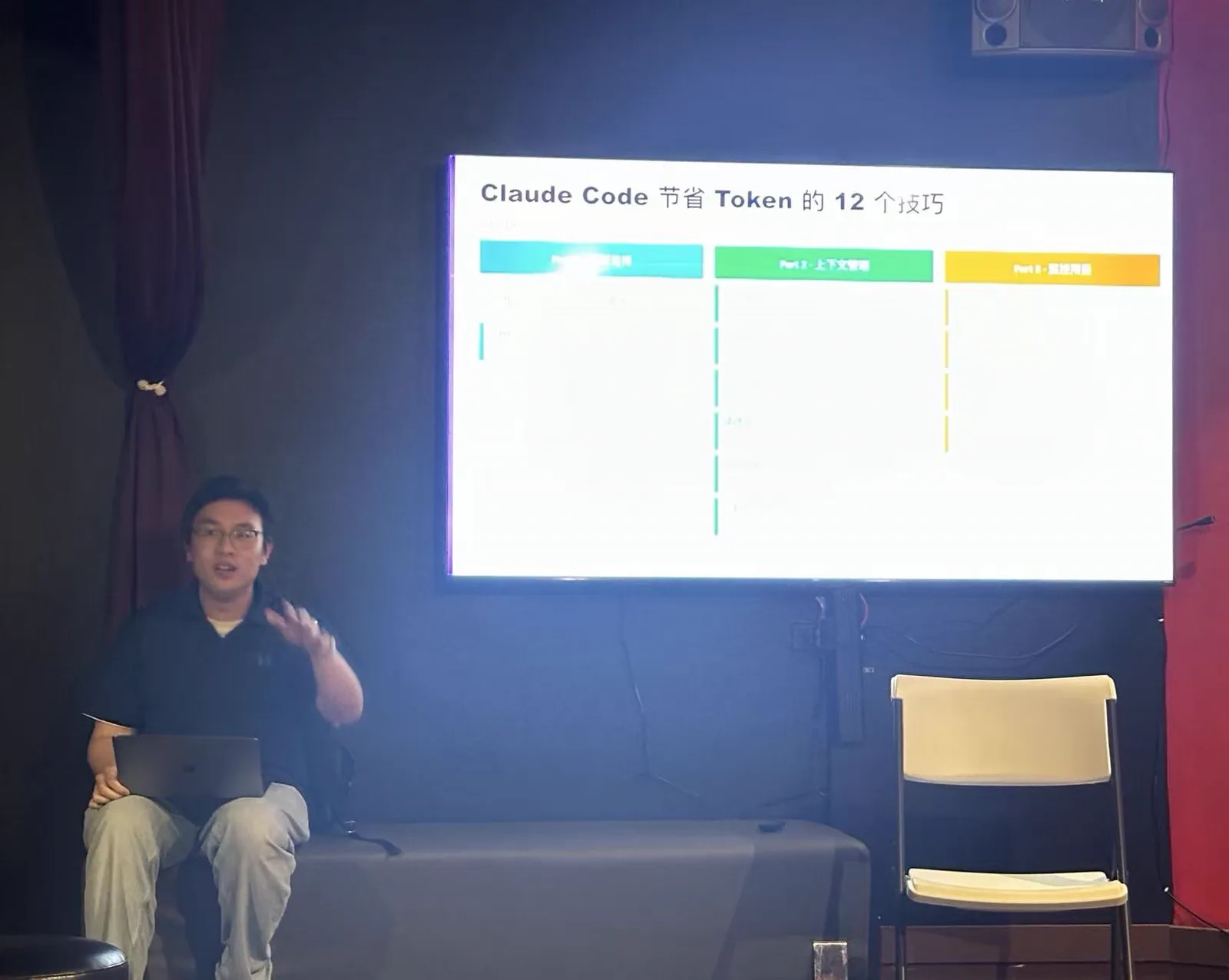
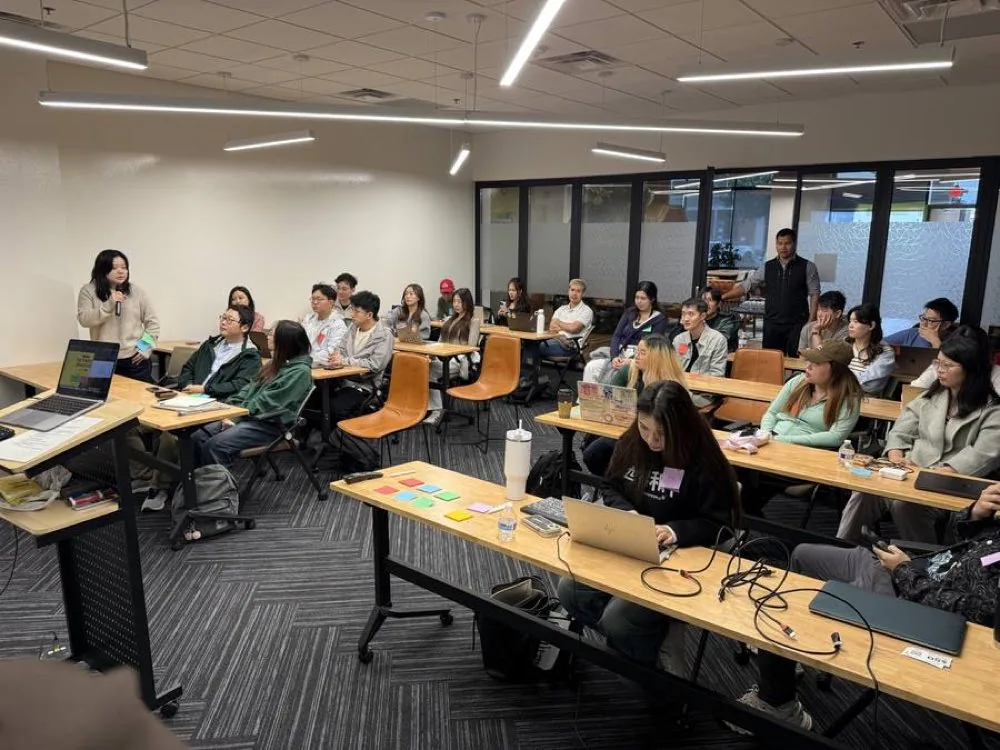
Jack Qian has taught in Plano twice this year: a community meetup on Spring Creek Parkway and an invited talk for the DFW IT Association at Schimelpfenig Library. Company training works the same way: your team brings a recurring task, builds an AI workflow on it with the tool your company approved, and learns what to check before the output is used.
Two sessions in Plano in 2026
Both are real events with their own pages. The meetup had 40 sign-ups on Luma; at the fireside chat Jack was the speaker invited by the DFW IT Association.
Dallas OpenClaw meetup #1
Space Karaoke Bar & Cafe, 121 W Spring Creek Pkwy #331, Plano, TX 75023
Hosted · 40 sign-ups on Luma
Event page →Fireside chat “Work Smarter, Think Deeper, Live Better” — invited featured speaker
Schimelpfenig Library, 5024 Custer Rd, Plano, TX 75023
Invited featured speaker · DFW IT Association
Event page →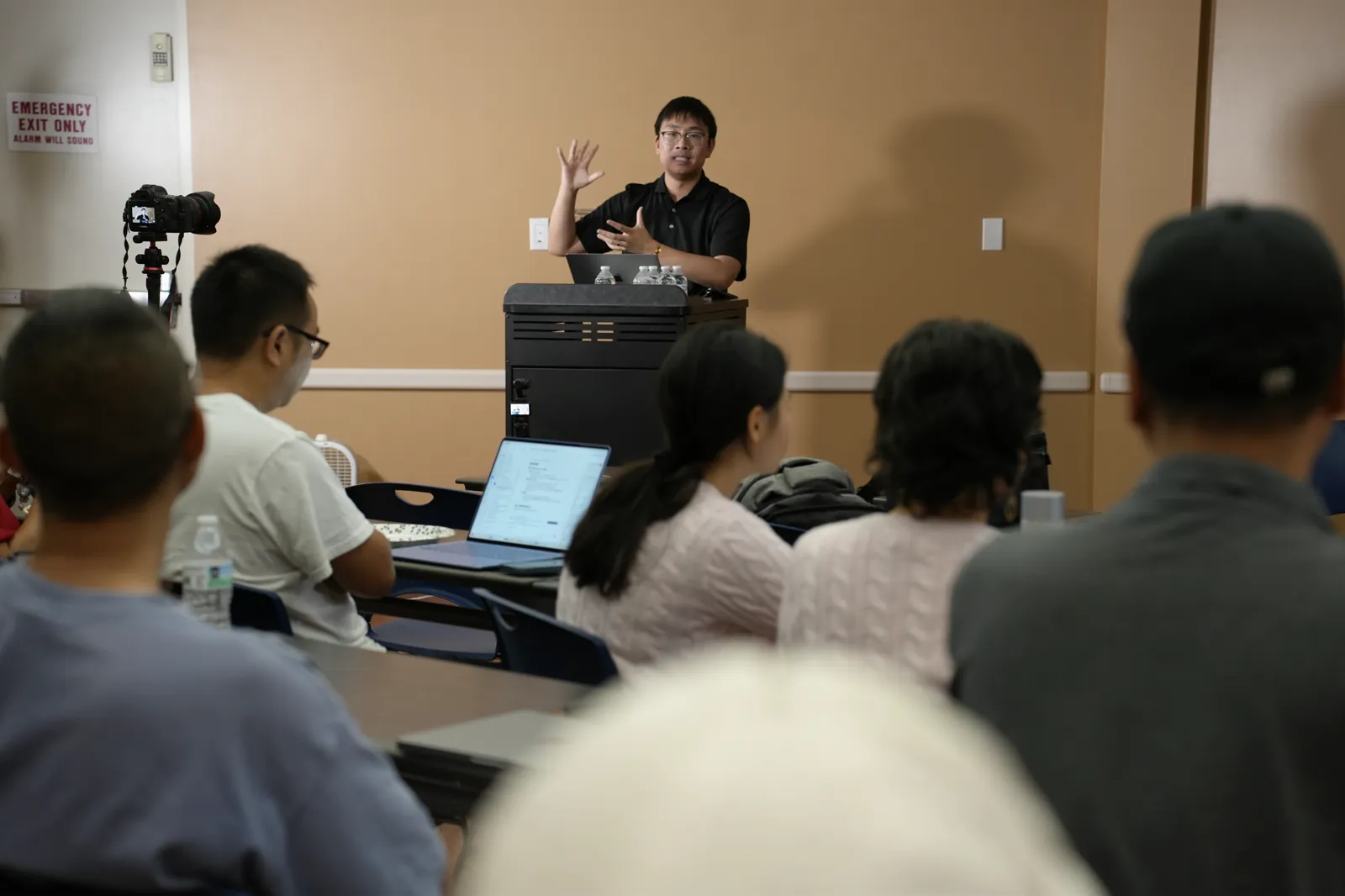
What an onsite session at your Plano office needs
- A room with a screen or projector and reliable Wi-Fi.
- A laptop per attendee with access to the AI tool your company approved: ChatGPT, Microsoft Copilot, Claude or Gemini.
- Two or three recurring tasks per person, with synthetic or redacted practice material.
- One person who decides which data may go into the tool. We write that rule down in the first session.
Plano and the nearby cities
Onsite at offices in Plano, Richardson, Allen, Frisco, McKinney, Murphy, Wylie, Carrollton and the rest of the metroplex. Teams split between Plano and other locations can join live online in the same session.
Three ways to run it
| Format | A good starting point when… | What the session covers | Price & details |
|---|---|---|---|
| 90-minute team workshop | One team wants to try one or two focused tasks. | A guided workflow exercise and an output-review checklist. | Scoped quoteWorkshop details → |
| Full-day onsite | Several teams need shared data rules and time to practise together. | Department use cases, guided labs and a next-step plan with owners. | Scoped quote; travel outside DFW quoted separatelyOnsite details → |
| 4 × 90-minute program | Your team wants to use workflows between sessions and improve what breaks. | Four live sessions, workflow instructions and a repeatable playbook. | Priced by quoteProgram & pricing → |
What attendees say
“Jack is very professional. His professionalism comes not only from his knowledge of AI, but also from how he teaches us different workflows. What makes him stand out is that he uses real-life examples and teaches us how to use these tools in our day-to-day work.”
“I really enjoyed Jack’s AI seminar! He has a very forward-thinking perspective on AI and does a great job of explaining everything from understanding AI to actually using it in real life…”
“This AI course was very informative and easy to follow. It covered the fundamentals of AI and its basic applications, making it especially suitable for beginners with little or no prior experience.”
AI training in Plano, answered
Do you come to offices in Plano?
Yes. Onsite training runs at your office in Plano or nearby cities such as Richardson, Allen, Frisco, McKinney, Murphy. The full onsite day, the 90-minute workshop and the four-session program can all be scheduled in Plano; the workshop and the program can also run live online.
Have you taught in Plano before?
Yes, twice in 2026: the first Dallas OpenClaw meetup at Space Karaoke Bar & Cafe on April 2, and an invited fireside chat for the DFW IT Association at Schimelpfenig Library on July 25. Both have event pages on this site.
Can the session run in Chinese?
Yes. Sessions run in English or Chinese, whichever the room works in, and the materials come in both. Several of the 2026 community sessions ran in Chinese.
Which AI tools do you teach?
The tools your company has approved: ChatGPT, Microsoft Copilot, Claude or Gemini. If none is approved yet, we agree on one before the first session. The first thing covered is which data may go into the tool.
Some of our team works remotely. Can they join?
Yes. Remote attendees can join the same session over video, and the four-session program and the 90-minute workshop can run fully online.
How do we get a price?
Send the number of people, the format you are considering and your preferred dates with the form below, or book a 20-minute call. Jack replies by email within one business day; the written quote follows once the details are clear.
Interested in booking?
Get an easy quote.
Tell us roughly how many people and what you have in mind. Jack replies by email within one business day. Once the details are clear, you get a recommended format and a written price for your team. No call needed unless you want one.
Request received
Thank you. Jack reads each request himself and will reply by email with a format and a quote. This does not book a meeting.
Your request was not sent
Check your name, email and the consent box, then send it again. You can also email [email protected].
Bring one task.
Leave with it running.
Book a short call and bring one real task. We’ll figure out whether AI belongs in it and where the 4-session program should start.
Book a Workflow CallEvery program is priced for your team. Get a written quote.
Or email [email protected] · text TRAINING to (469) 425-4142